
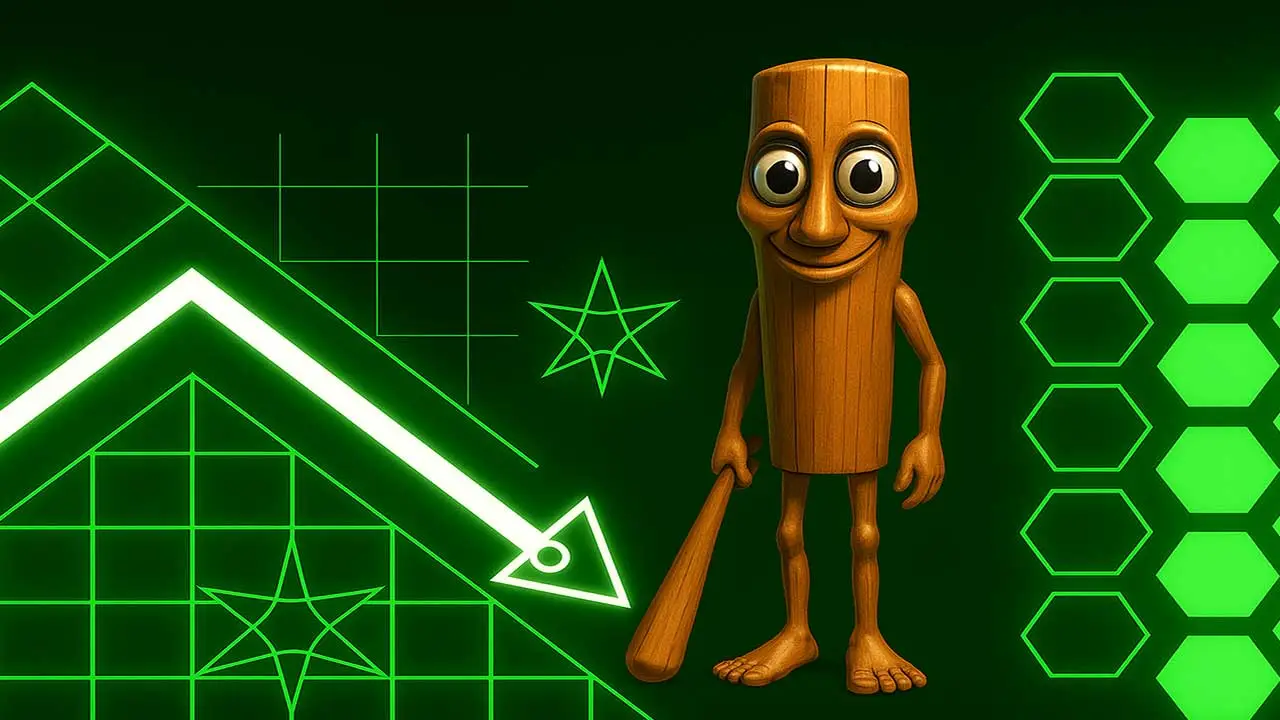





Play Tung Tung Sahur in Geometry Dash and guide the flying character through tight wave-style passages. Hold to rise, release to dive, and avoid every obstacle.
Game Description
Tung Tung Sahur in Geometry Dash is a fast wave-style rhythm obstacle game featuring the popular wooden character. Instead of making ordinary platform jumps, you control a continuous flight path through narrow passages filled with spikes and barriers.
Hold the control to climb and release it to descend. Small, steady corrections are safer than long climbs or drops, especially when the route changes direction quickly. Reach the end of the course without touching an obstacle to complete the run.
Game Objectives
Guide Tung Tung Sahur through the complete wave course, staying between spikes and barriers until the character reaches the end without a collision.
Basic Rules
- Hold the left mouse button or press and hold the screen to make the character rise.
- Release the control to make the character descend.
- Use short presses and releases to keep the flight path centered inside narrow gaps.
- Watch the upcoming route instead of reacting only when an obstacle reaches the character.
- Touching a spike or barrier ends the attempt, so restart and learn the timing of that section.
Frequently Asked Questions
Hold the mouse button or touch the screen to fly upward, then release to descend. Alternate short holds and releases to trace a controlled wave through the obstacles.
No. This version uses continuous wave-style flight. The character rises while you hold the control and dives when you release it.
Make smaller input changes and aim for the center of each opening. Looking ahead helps you begin a climb or descent before the passage becomes too tight.
The run ends and the course restarts. Use each failed attempt to remember the timing and direction of the section that caused the collision.